Data Residency & Digital Sovereignty: Why It Matters for Big Meetings

The Chief Compliance Officer reviews the quarterly risk register. Standard items: data backups, vendor management, access controls. Then a new entry catches attention: “Online meeting platform compliance.” The Head of IT added it after discovering their collaboration tool stores recordings in three countries simultaneously, processes transcripts through US-based AI services, and maintains logs subject to […]
Scalability Guide: Running Large Meetings in Low Bandwidth Regions
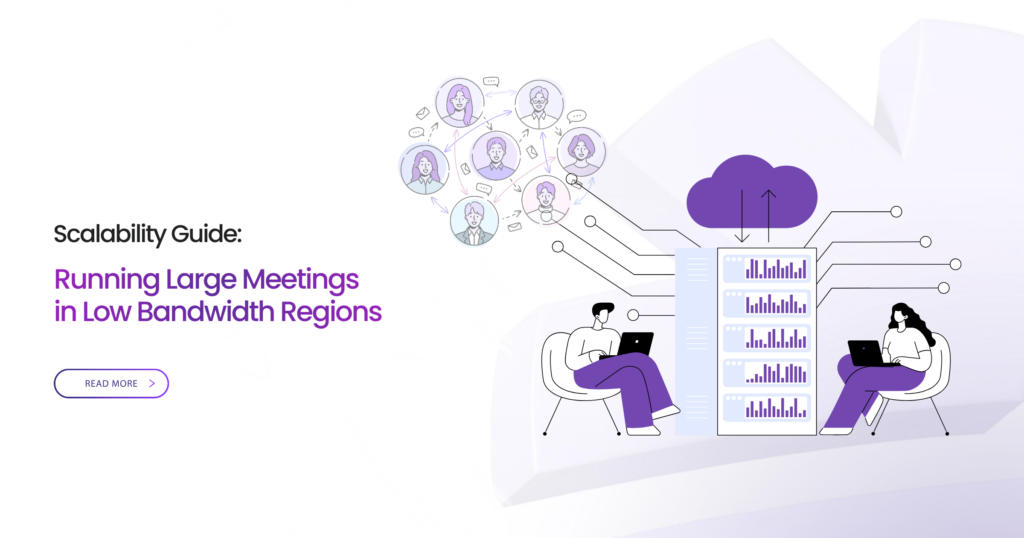
The humanitarian coordinator opens the video conference from Nairobi headquarters. Three thousand field workers across twelve African countries should be joining for critical operational briefing. Five minutes in, participant count drops from 2,800 to 1,200. Chat fills with “can’t hear audio” and “video frozen.” The platform optimized for Silicon Valley networks fails spectacularly on 3G […]
How Polling, Q&A, and Live Translation Work at Scale (5,000+ Participants)
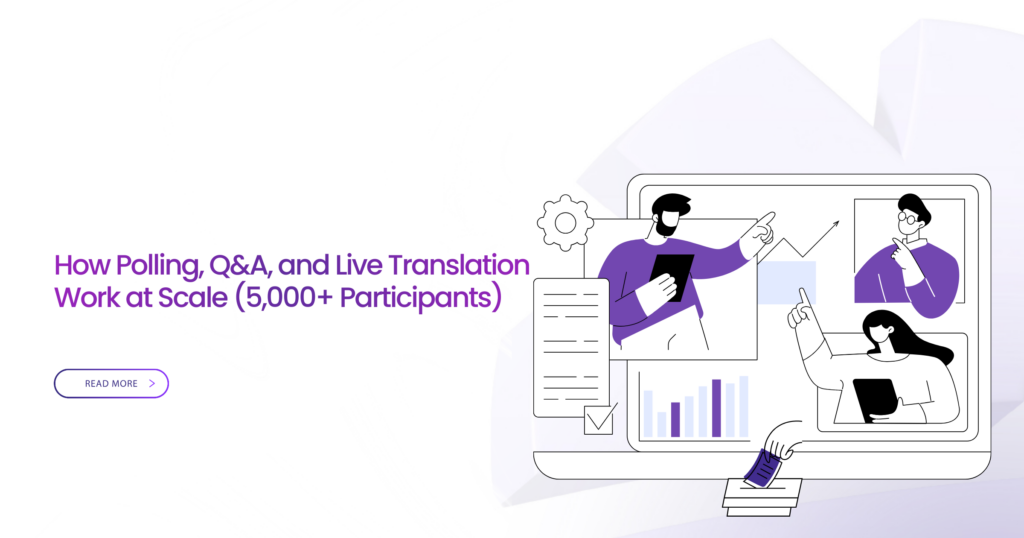
The moderator opens the poll. Four thousand eight hundred attendees should be voting on the budget allocation priorities. Thirty seconds pass. The poll interface shows “loading.” One minute. Still loading. Chat fills with “can’t see poll” and “is this working?” Two minutes. Poll finally appears for 1,200 participants. The other 3,600 never see it. Results […]
How to Customize your Convay profile
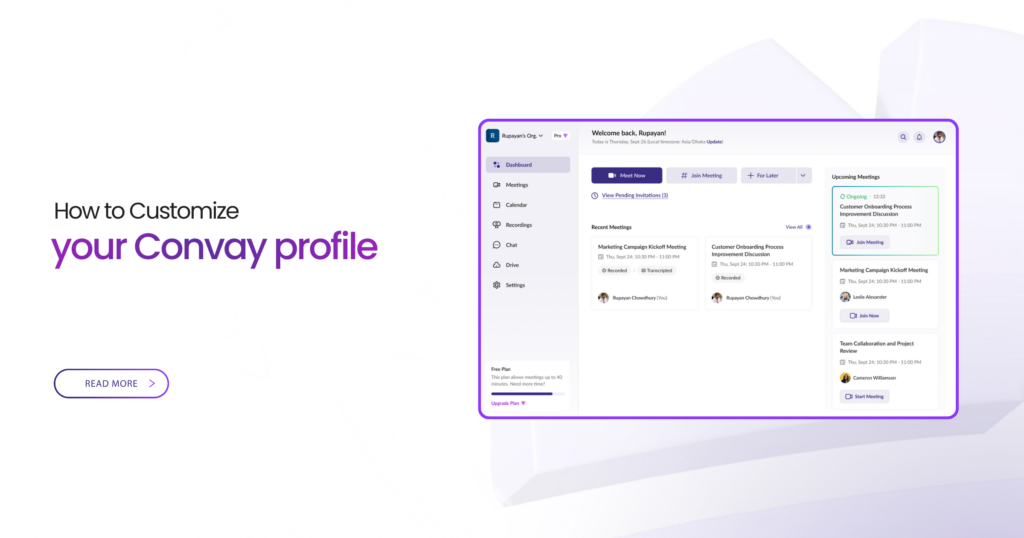
👤 Customize your profile Your profile is the face of you inside Convay. A few quick tweaks make it easier for teammates and guests to recognize you in meetings, find you in search, and trust the invites that land in their calendars. Think of this page as your “set it once, benefit every day” checklist. […]
How to Customize Your Convay Organization
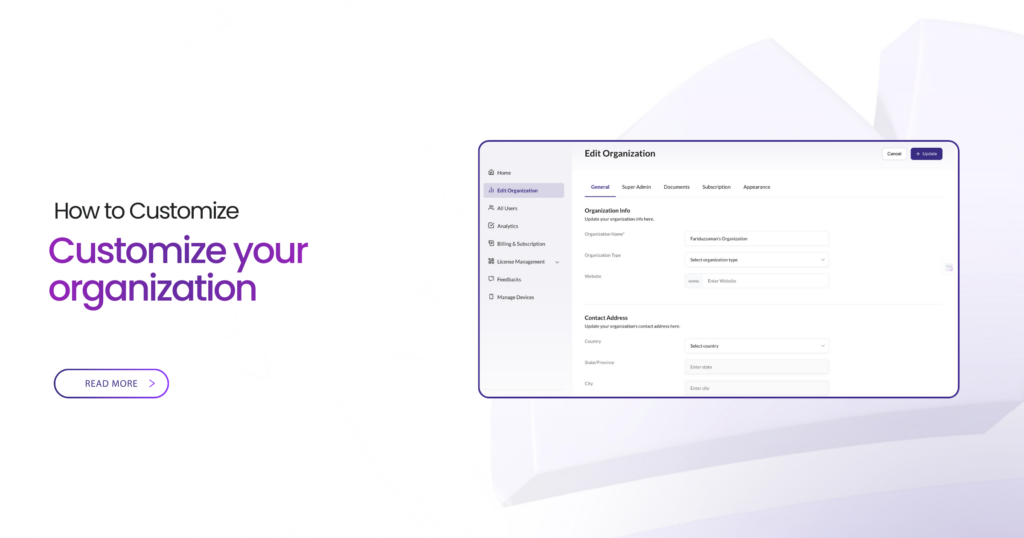
🏢 Customize your organization Your Convay workspace should look and behave like your organization—not the other way around. With a few choices up front, you’ll get consistent meetings, cleaner governance, and fewer support tickets. Admin Guide Workspace & Governance Best for Admins & workspace owners Impact Fewer tickets, consistent governance Takes 30–60 minutes to set […]
How to Schedule a meeting on Convay
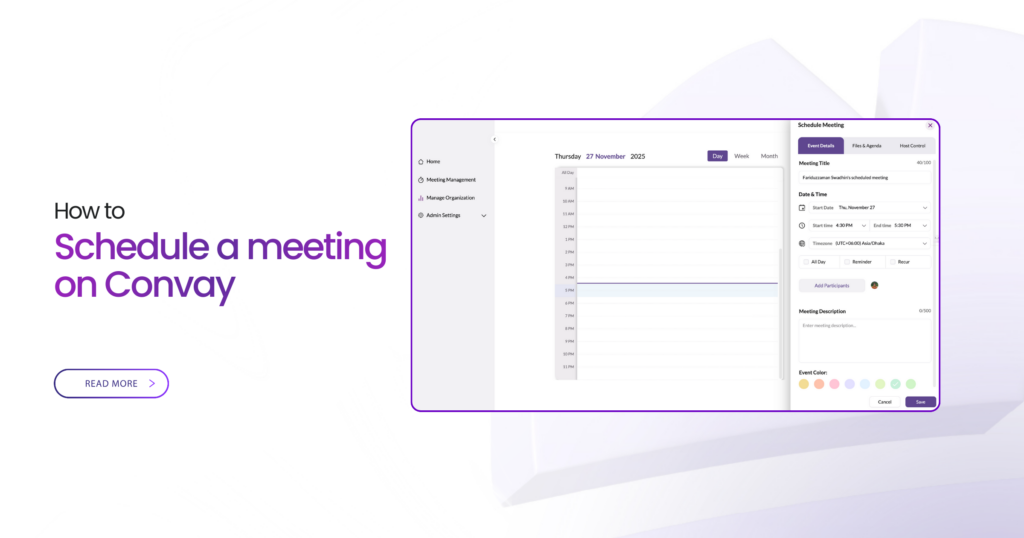
📅 Schedule a meeting Sometimes “Start now” is perfect. Other times you need people on calendars, reminders in place, and the right settings locked before anyone joins. Scheduling in Convay does all of that for you—without getting in your way. Host Guide Calendar + Controls Best for Planned sessions & recurring meetings Setup time Under […]
How to Invite Your Team Members to Convay
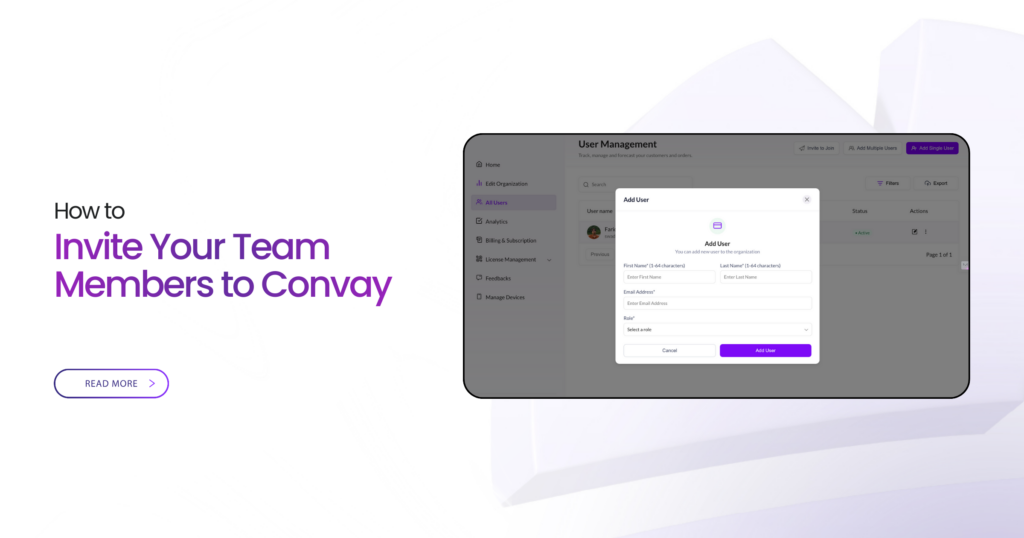
👥 Invite Your Team Members to Convay Getting the most out of Convay starts with having your team right there with you. Inviting people is simple, fast, and takes less than a minute. Follow the quick steps below and bring everyone on board using a single, secure invite flow. Quick Start < 1 minute setup […]
Stay Connected with Convay Chat
💬 Stay Connected with Convay Chat Convay Chat keeps your conversations, files, and team interactions in one secure place—so you don’t have to jump between messaging apps anymore. Whether it’s a quick question, a follow-up after a meeting, or a file you need to share right away, Convay Chat makes it easy. Here’s how to […]
How to Host Big Meetings with Confidence on Convay
👥 Host Big Meetings with Confidence on Convay Convay Big Meeting is designed for the moments when you need to bring a lot of people together—town halls, training programs, public announcements, webinars, or nationwide sessions. No stress, no complexity, and no extra tools needed. Here’s how you can make the most of Convay Big Meeting: […]
Get More Done with Convay AI
🤖 Get More Done with Convay AI Convay AI is here to make your meetings easier, faster, and more organized. You don’t have to take notes, chase transcripts, or worry about what you missed — the AI handles it for you. Here’s how you can start using Convay’s AI features right away: Step-by-step guide 1 […]